Course Launch Sale! 25% OFF
CHECKOUT FORM
Complete your order
You know how to use Blender. Now learn how to create polished, portfolio-ready renders.
Elevate your 3D skills with this complete course for 3D artists

4.9/5 star reviews
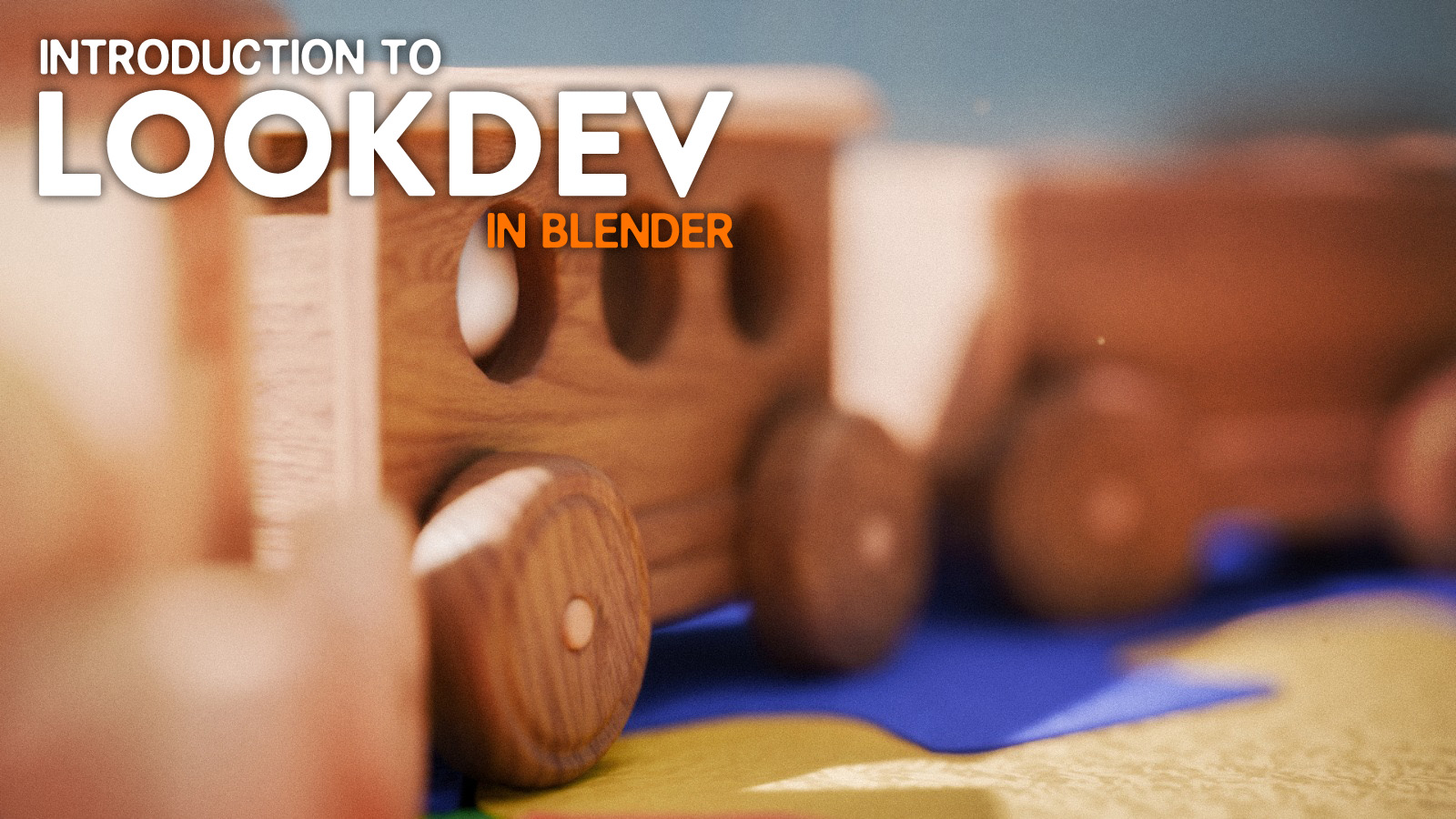
Here's what you get:
Immediate access to over 50 step-by-step video lessons.
More than 13 hours of professional instruction.
Downloadable project files and exclusive assets for your personal and professional work.
Access to a private community where you can ask questions, share your work, and learn alongside other artists.
Lifetime access to the course, including all future updates at no additional cost.
RodM - 3D Artist
"This course completely changed the way I approach lighting and materials. Charly explains every concept so clearly that my renders look more professional than ever."
STILL NOT SURE?
Satisfaction guarantee
We want you to find value in our trainings! We offer full refunds within 14 days. With all of our valuable video training, we are confident you WILL love it!

STILL GOT QUESTIONS?
Frequently Asked Questions
Do I need to know how to use a 3D software?
Yes. Basic knowledge of a 3D software is highly recommended. While you don't need prior experience with Look Development, the practical lessons assume you're already comfortable with basic 3D concepts and navigation.
Can I use another 3D software besides blender?
Absolutely. While the course is taught in Blender, the lighting, material, composition, and LookDev principles apply to virtually any modern 3D software. You'll simply need to adapt the techniques to your preferred application.
Will I create complete projects?
Yes! Throughout the course, you'll complete three full LookDev projects from start to finish, giving you portfolio-ready pieces while reinforcing the techniques taught in each module.
Is this course for beginners?
This course is best suited for intermediate artists. If you're already comfortable navigating Blender and creating basic 3D scenes, you'll be able to focus entirely on improving your lighting, materials, shaders, and rendering skills.
Will I learn procedural materials or texture painting?
Both. You'll learn when to use procedural workflows, when to use image textures, and how to combine different techniques to create realistic, production-ready materials.
Will this course help me improve my portfolio?
Definitely. Every lesson is designed around professional workflows, and by the end of the course you'll have three polished renders that demonstrate your LookDev skills.
Do I need paid add-ons or textures?
No paid Blender add-ons or third-party textures are required. Photoshop is recommended only for following the optional photo-editing module exactly, but you can follow the same principle using open source software as gimp.
For how long can I access my course?
Lifetime access. Once you purchase the course, it's yours forever. Watch it at your own pace and receive all future updates at no additional cost.
What if the course isn't for me?
No problem! We offer a 14-day money-back guarantee. If you decide the course isn't the right fit after watching a few lessons, simply request a refund within 14 days of purchase.
Copyrights 2026 | Astrid Art School | Terms & Conditions